








All Stages
We recommend this product for people in all stages of their dementia journey.
Not sure if this product is the right stage for you? Take our short quiz to find your stage.


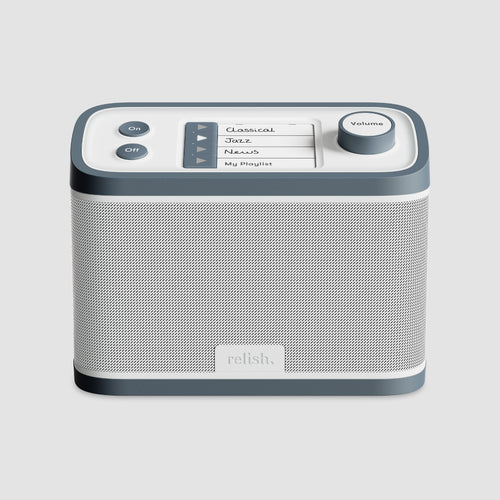
FM / DAB+ / MP3


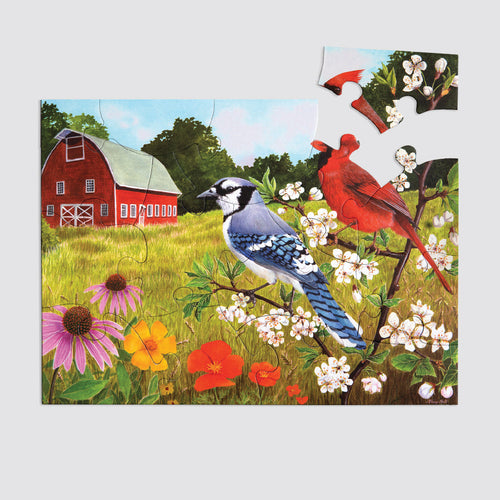
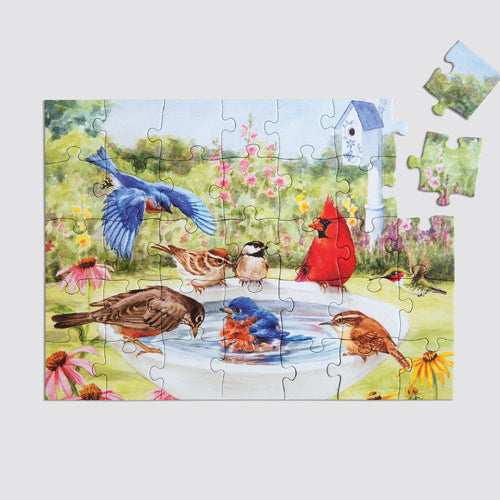
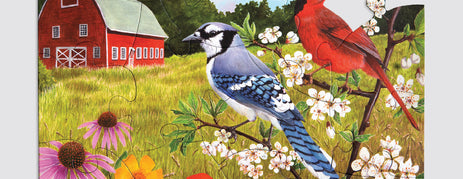
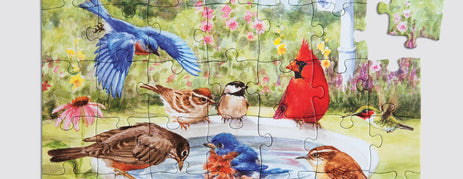
35 Piece Puzzle


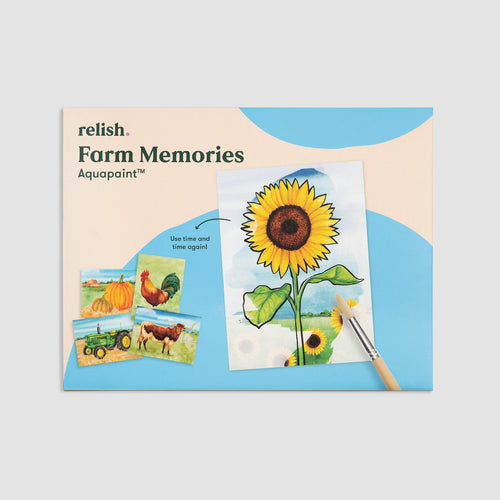
Aquapaint


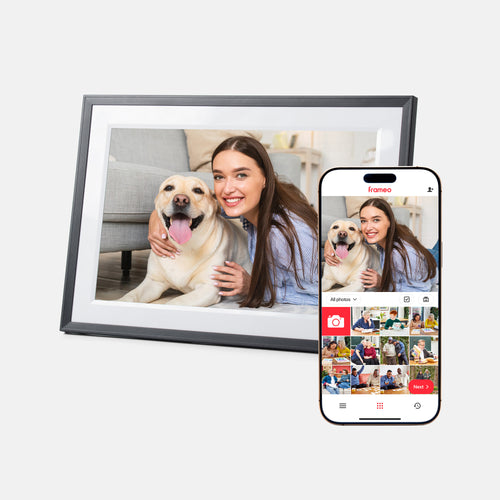
With Frameo App


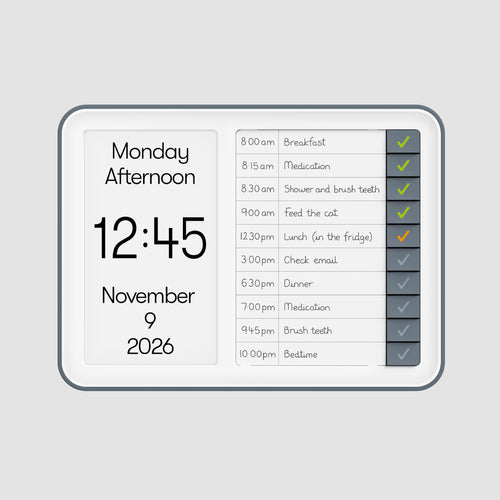
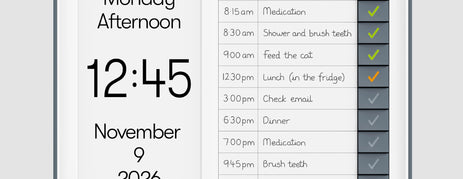
Reminder Clock


Day Clock


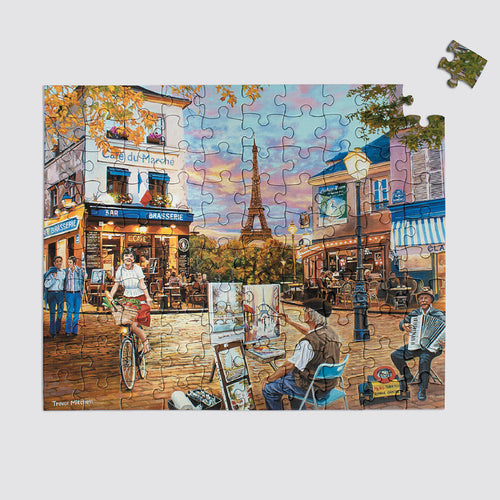
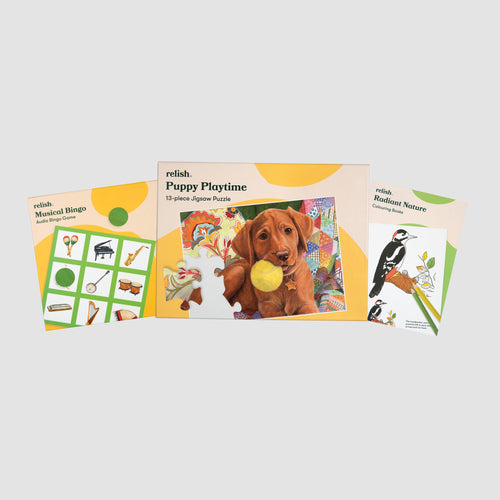
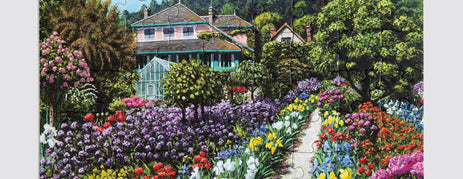
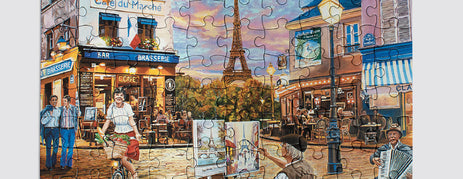
100 Piece Puzzle


Sensory Fidget Toy

100 Piece Puzzle


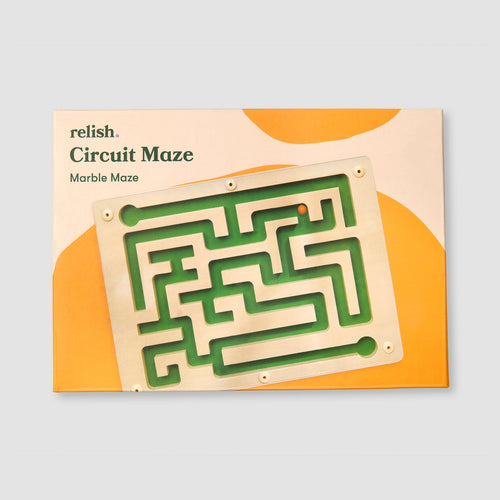
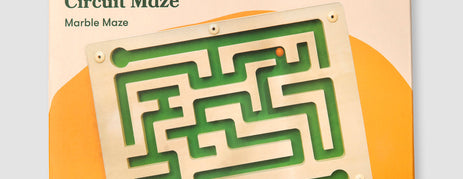
Marble Maze


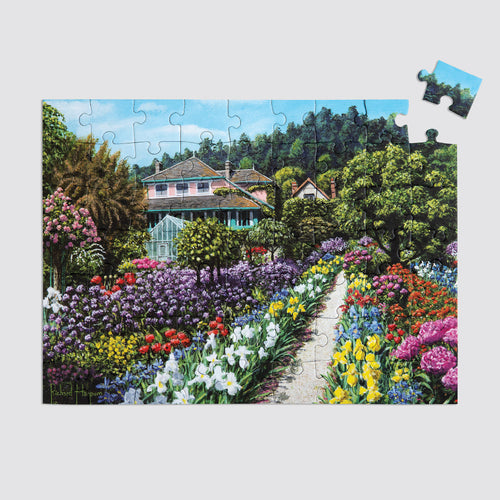
63 Piece Puzzle


35 Piece Puzzle


35 Piece Puzzle


Choose a stage below if you already know which feels right, or take the stage quiz if you're unsure
Activities with the right level of challenge have multiple steps with a clear goal.
Shop Early Stage →Activities you can break into manageable chunks, with gentle prompts built in.
Shop Early-Mid Stage →Break down each activity into simple steps and introduce calming sensory experiences.
Shop Mid-Late Stage →Carer-led activities that focus on comfort, calm, and gentle sensory experiences.
Shop Late Stage →


Products suitable for All Stages provide familiar, comforting, and accessible experiences that can be enjoyed regardless of changing abilities, concentration, or confidence. Unsure what stage is right for you? Take our quiz!
Share the moments that matter




Moments of recognition can spark comfort, calm, and connection. This digital photo frame lets family and friends easily share photos, helping your grandparent or loved one feel included in everyday life, even when you can't be there in person.

 Simple set up
Connect the frame to Wi-Fi using the app and invite others to share, photos appear as they’re sent. Once it’s set up, there’s nothing more to do; no buttons, no menus, just effortless enjoyment for any stage of dementia.

 Easy, unlimited photo sharing
Send unlimited photos straight from your phone or tablet in just a few taps, no cables or USBs needed. Loved ones receive new memories effortlessly, wherever you are.

 Calm, seamless photo display
Images transition at a smooth pace, with no flashes or sudden movement to prevent distraction and confusion for elderly loved ones or those with dementia.

 Sleep & quiet mode
Set your own schedule for when the frame dims or turns off (e.g. overnight), helping maintain a calm environment and prevent overstimulation.

 Safe & private
Your photos stay secure; only people you invite can send pictures to the digital photo frame, and everything is encrypted to keep your memories private and protected.

 Share across multiple frames
Share to multiple frames in one go, so the whole family can stay connected.

 Perfect gift
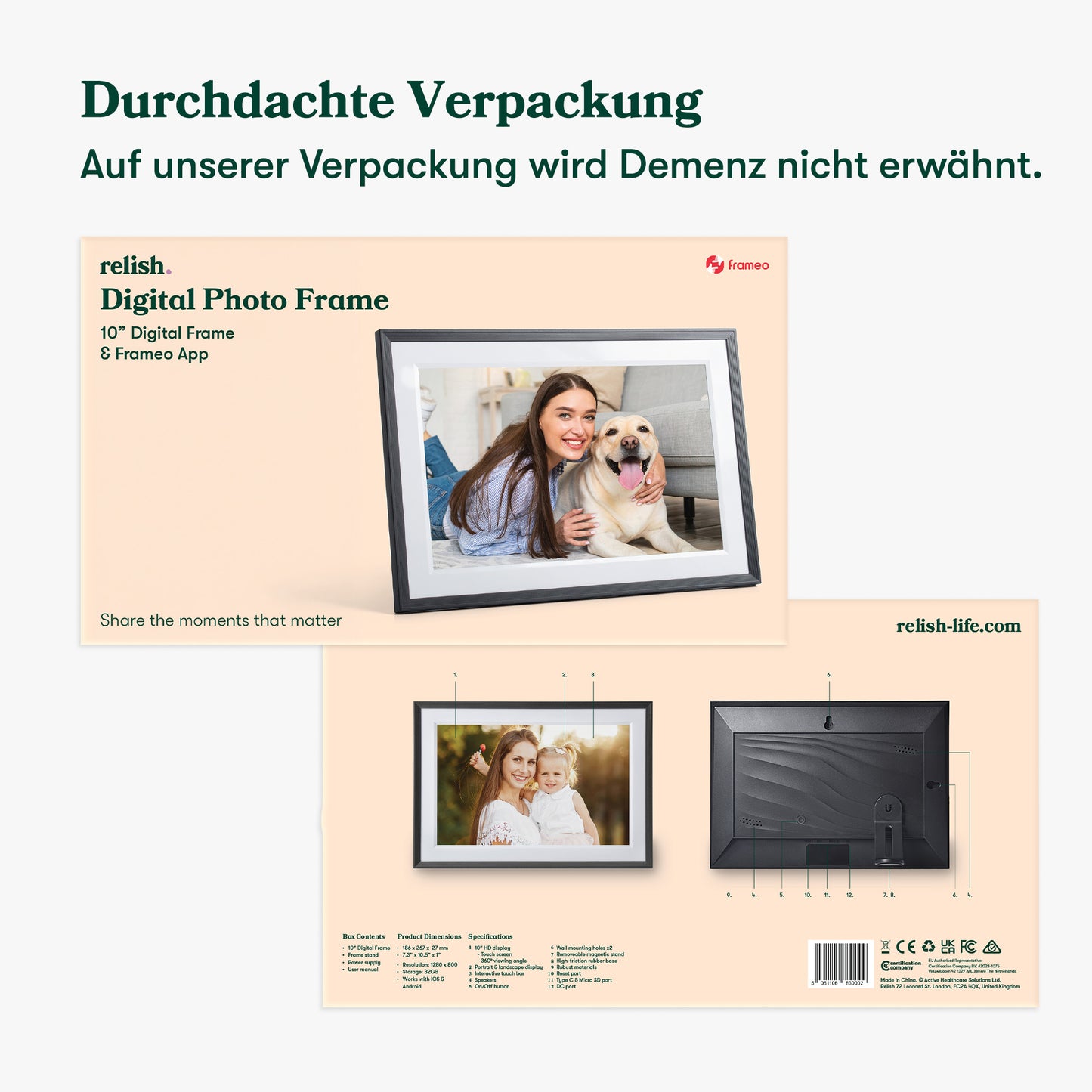
Give the perfect gift and don’t worry – there is no mention of memory loss, ageing, or dementia on the packaging.
We recommend this product for people in all stages of their dementia journey.
Not sure if this product is the right stage for you? Take our short quiz to find your stage.


Sharing meaningful photos and moments helps loved ones with dementia feel connected and included. The images naturally spark conversation and storytelling, creating an easy, pressure-free way to spend time together.


Images of loved ones and peaceful times can help settle nerves. Feeling connected through familiar memories creates a sense of calm and safety.


Seeing familiar, joyful moments can lift spirits and spark recognition. Photos of loved ones help loved ones with dementia feel included and connected to the people who matter most.
