 Basado en más de 1500 reseñas positivas


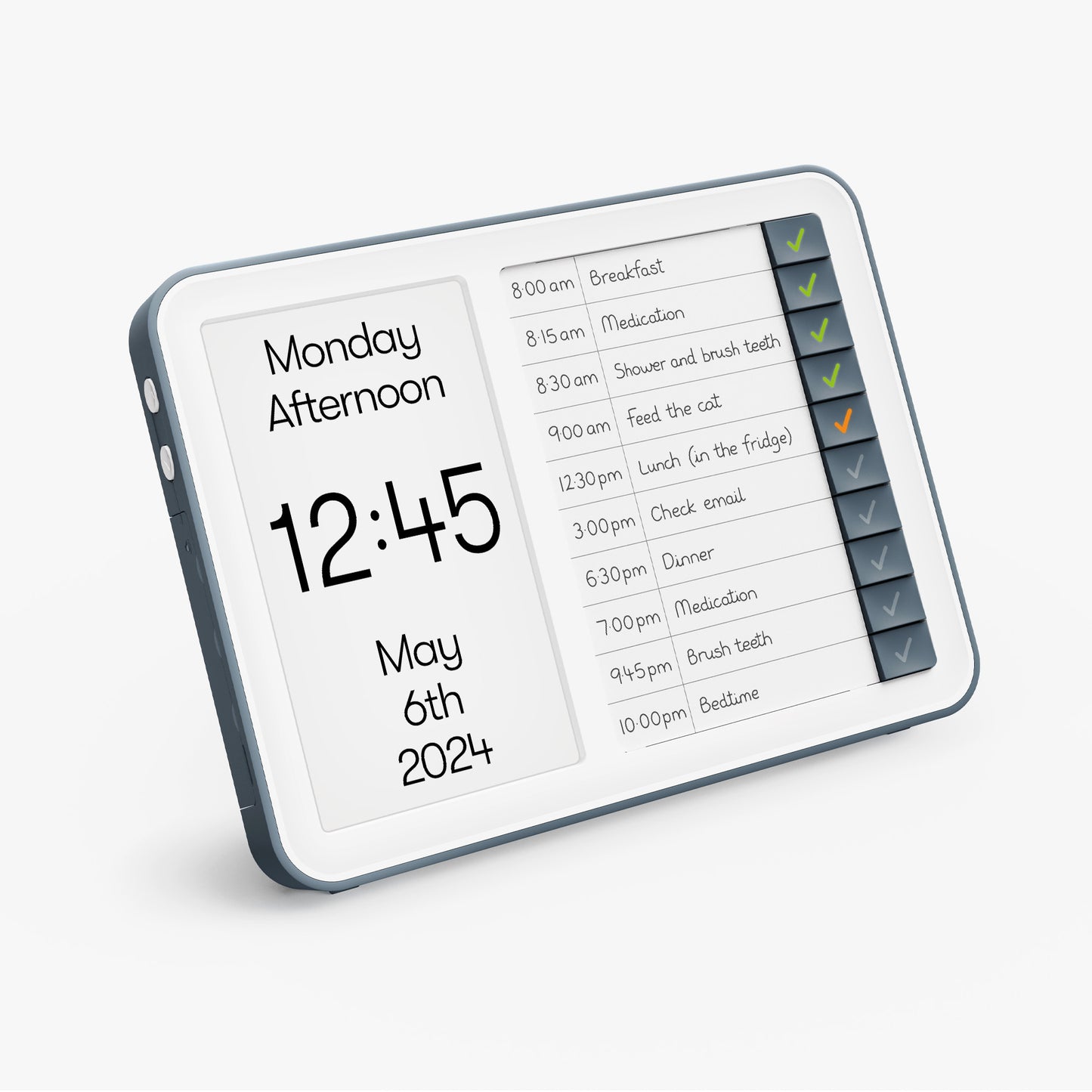
Reloj diario y administrador de tareas
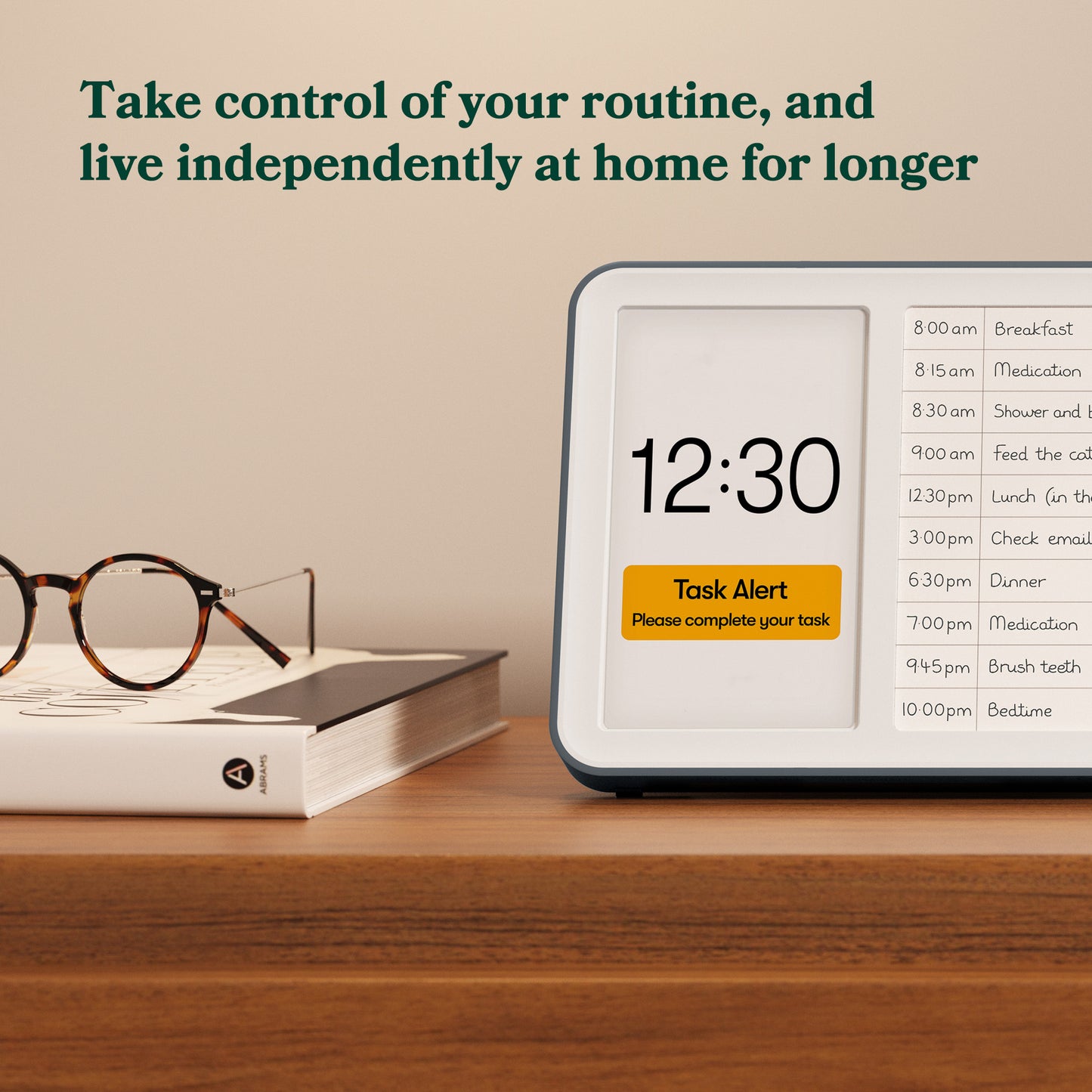
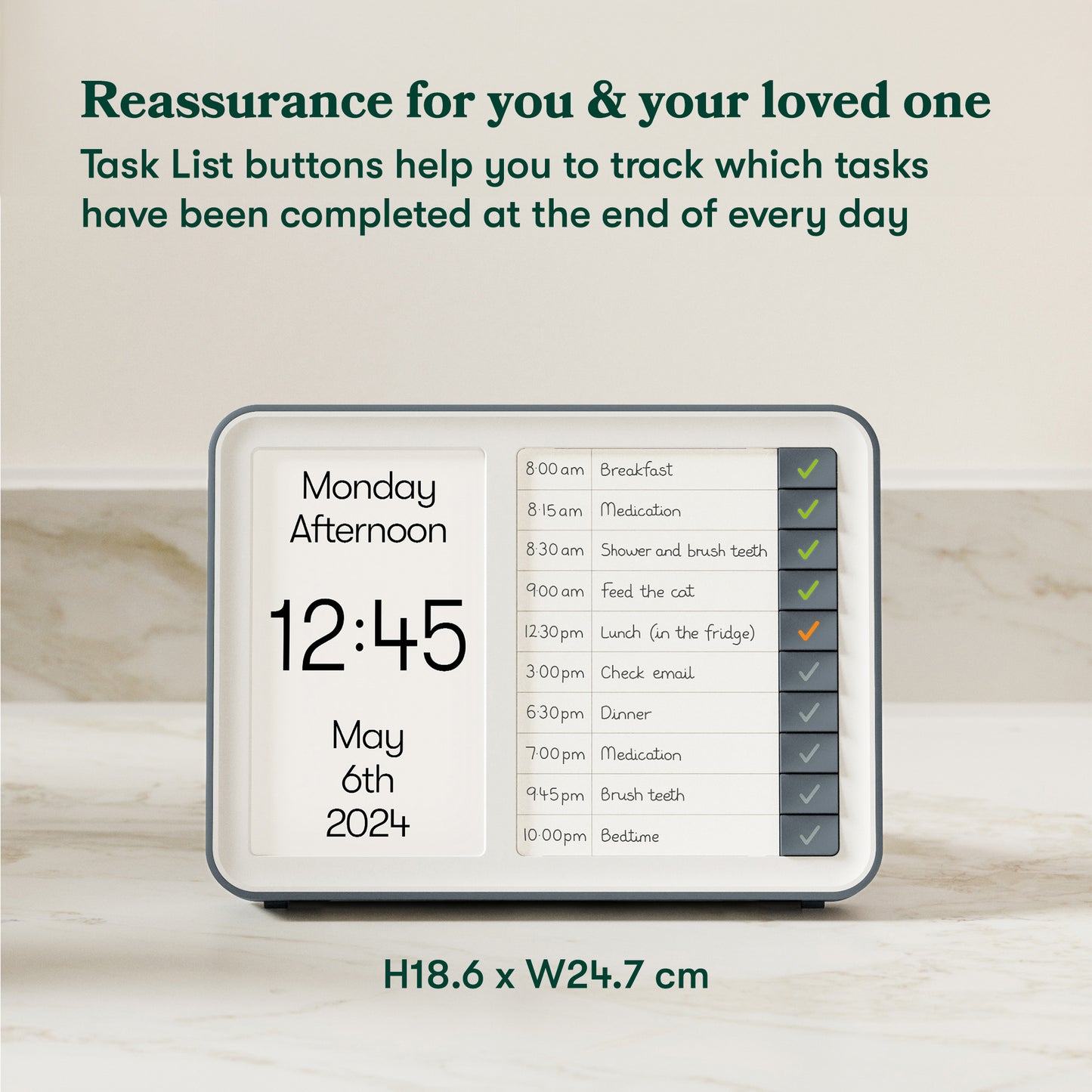
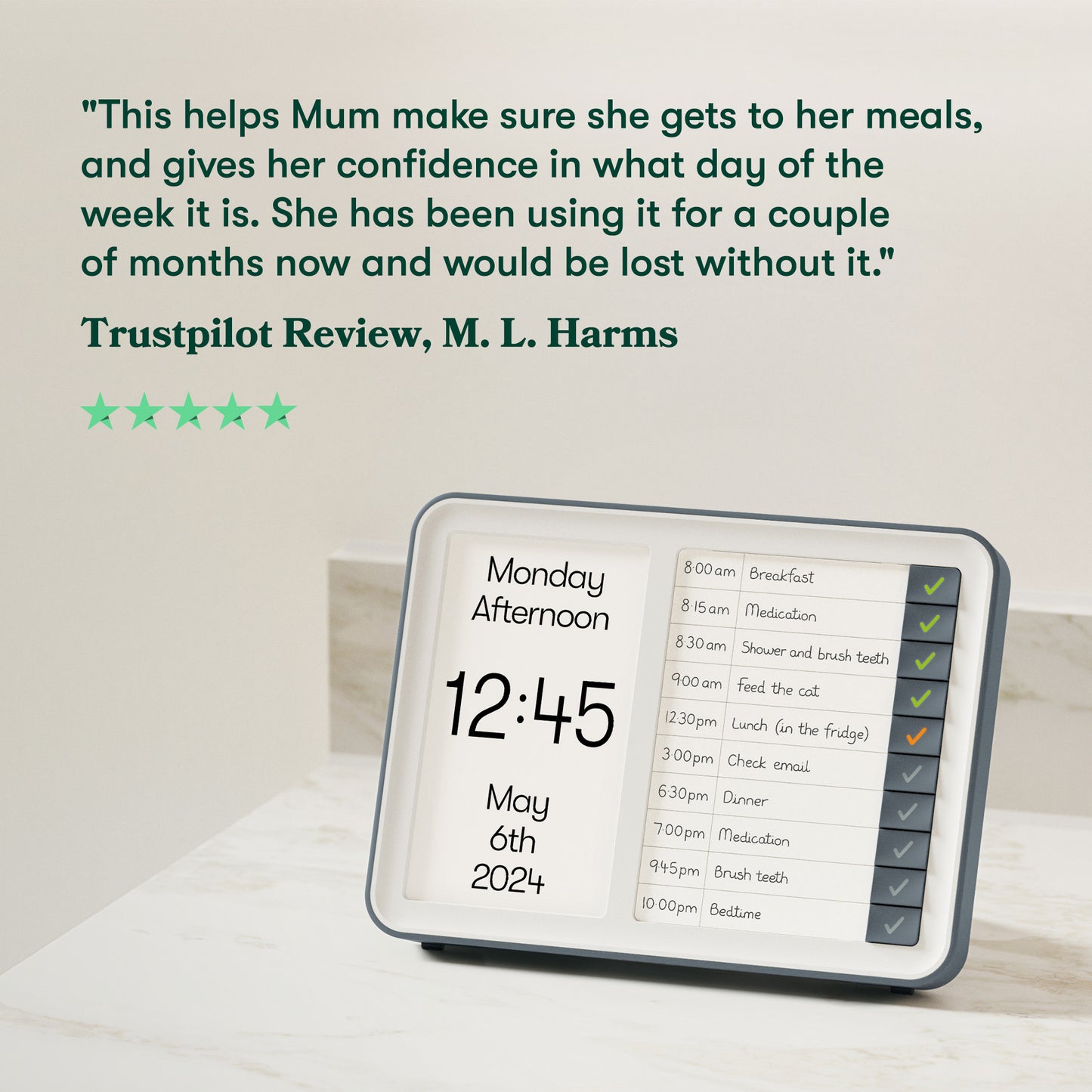
Nuestro reloj diario y administrador de tareas personal le ayuda a tomar el control de su rutina diaria y vivir de forma independiente en casa durante más tiempo.

Diseño simple
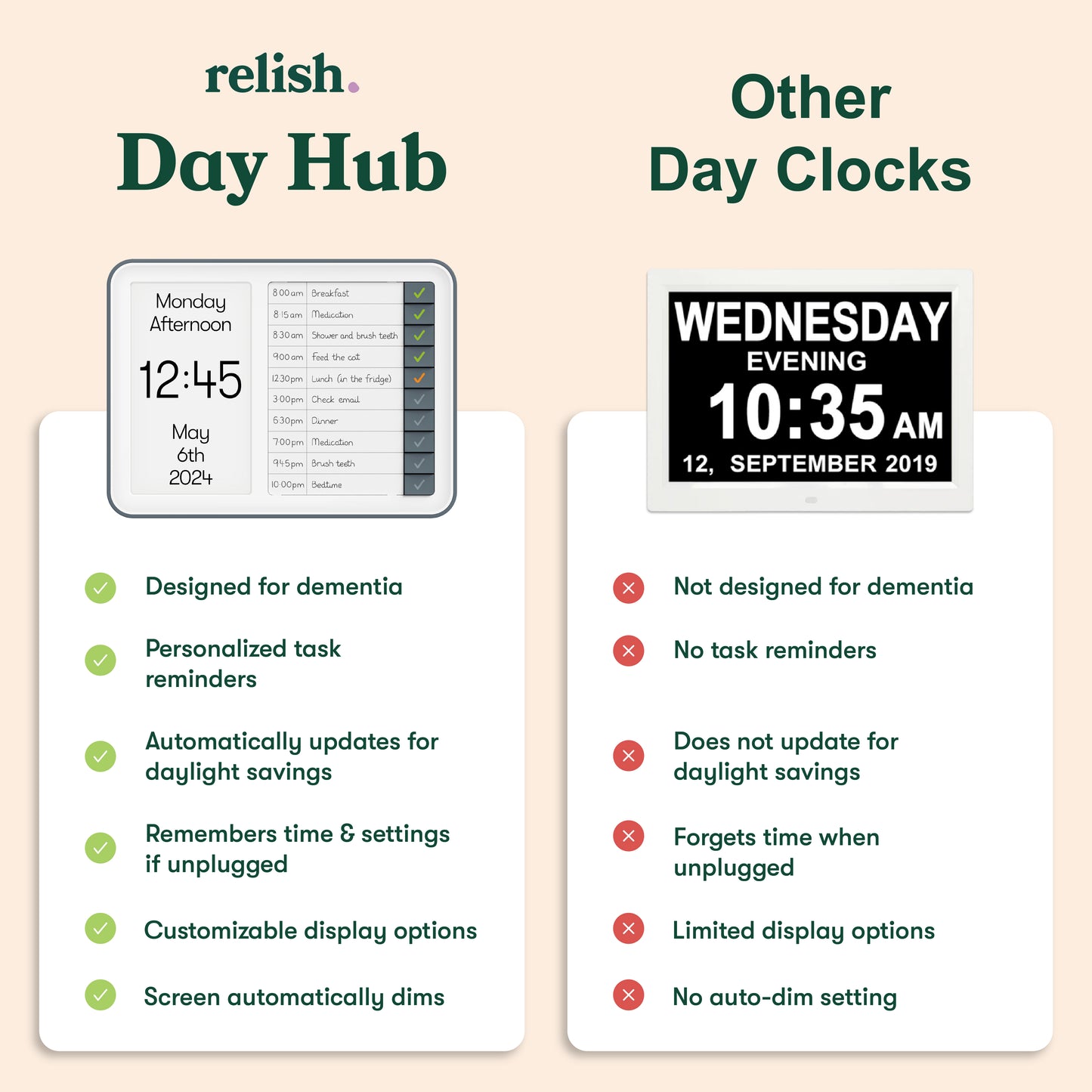
El Day Hub™ tiene una configuración sencilla y botones grandes para eliminar la confusión que suelen generar los productos digitales. Esto ayuda al usuario a mantener el control de su vida diaria, eliminando la dependencia del cuidador.

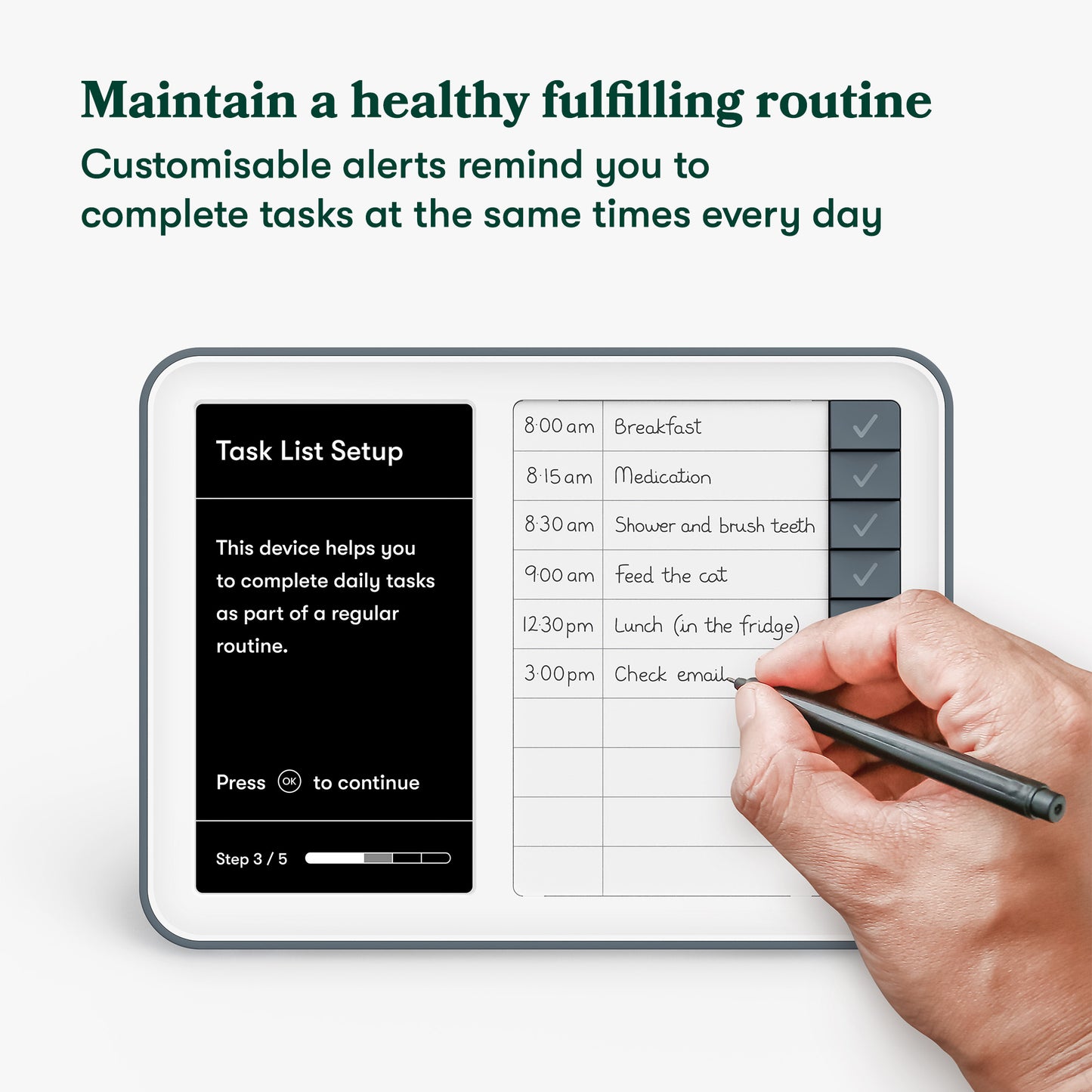
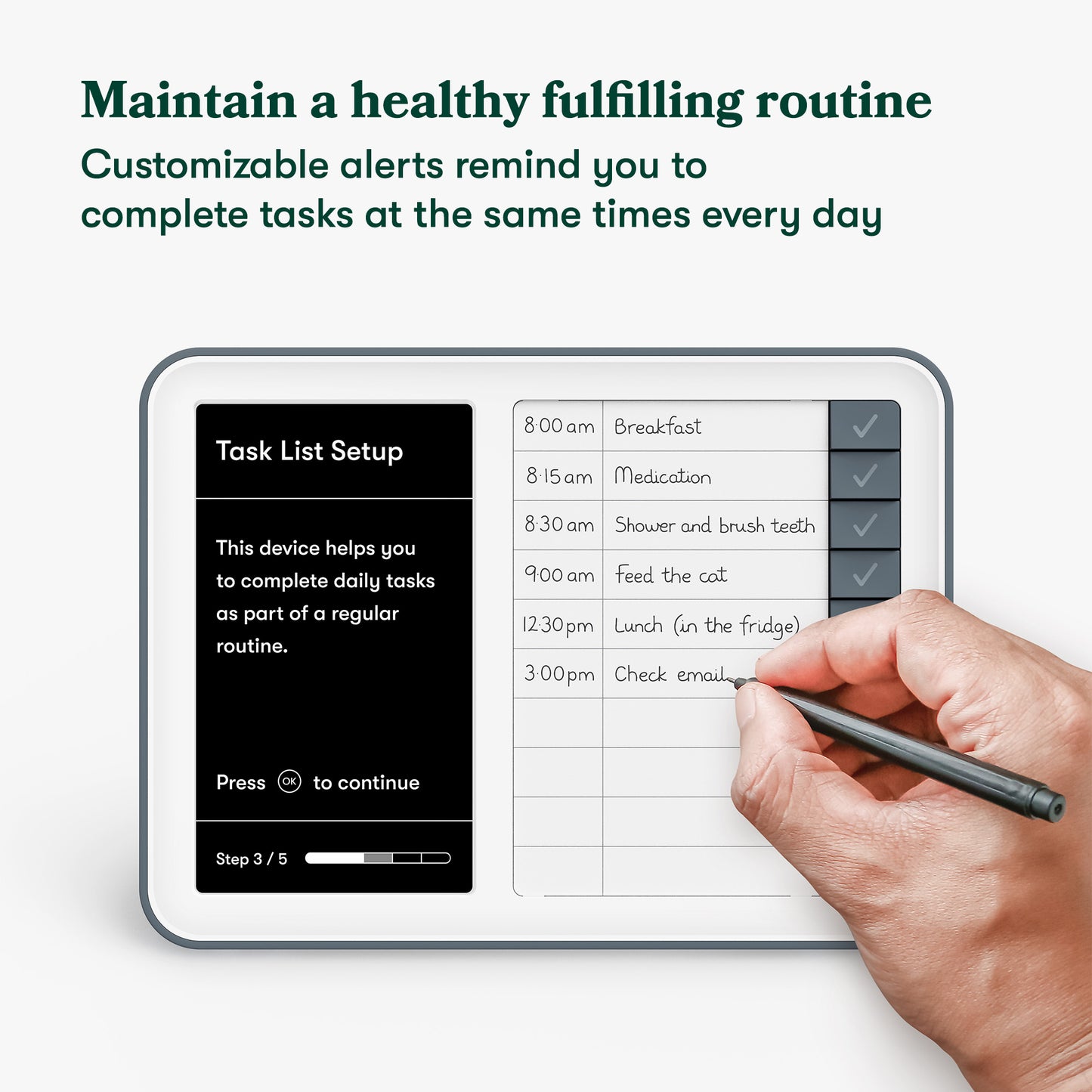
Alertas de tareas
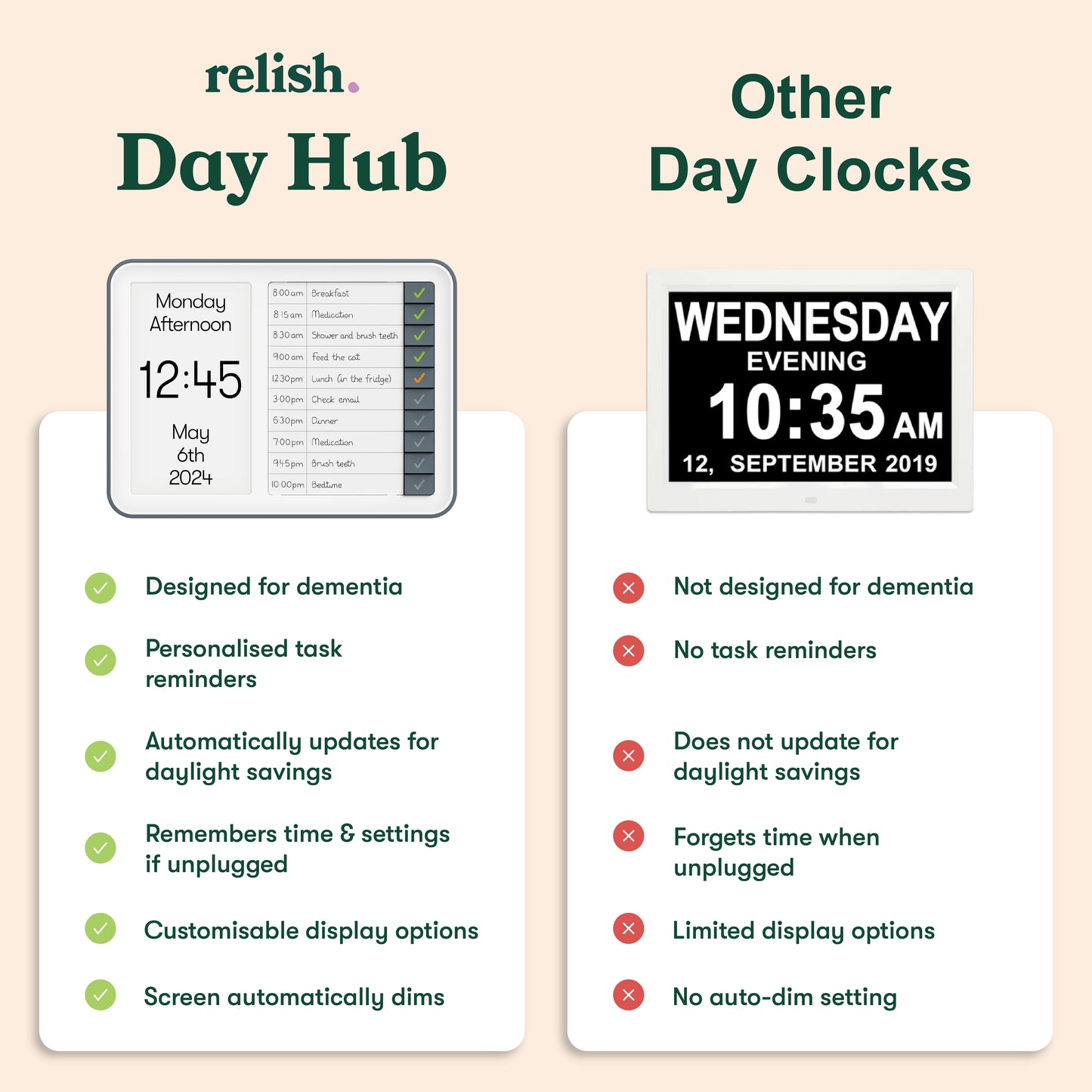
Las alertas personalizables le recuerdan que debe completar tareas a horas regulares todos los días, lo que le ayuda a mantener una rutina y un estilo de vida saludables y satisfactorios.

Momento perfecto
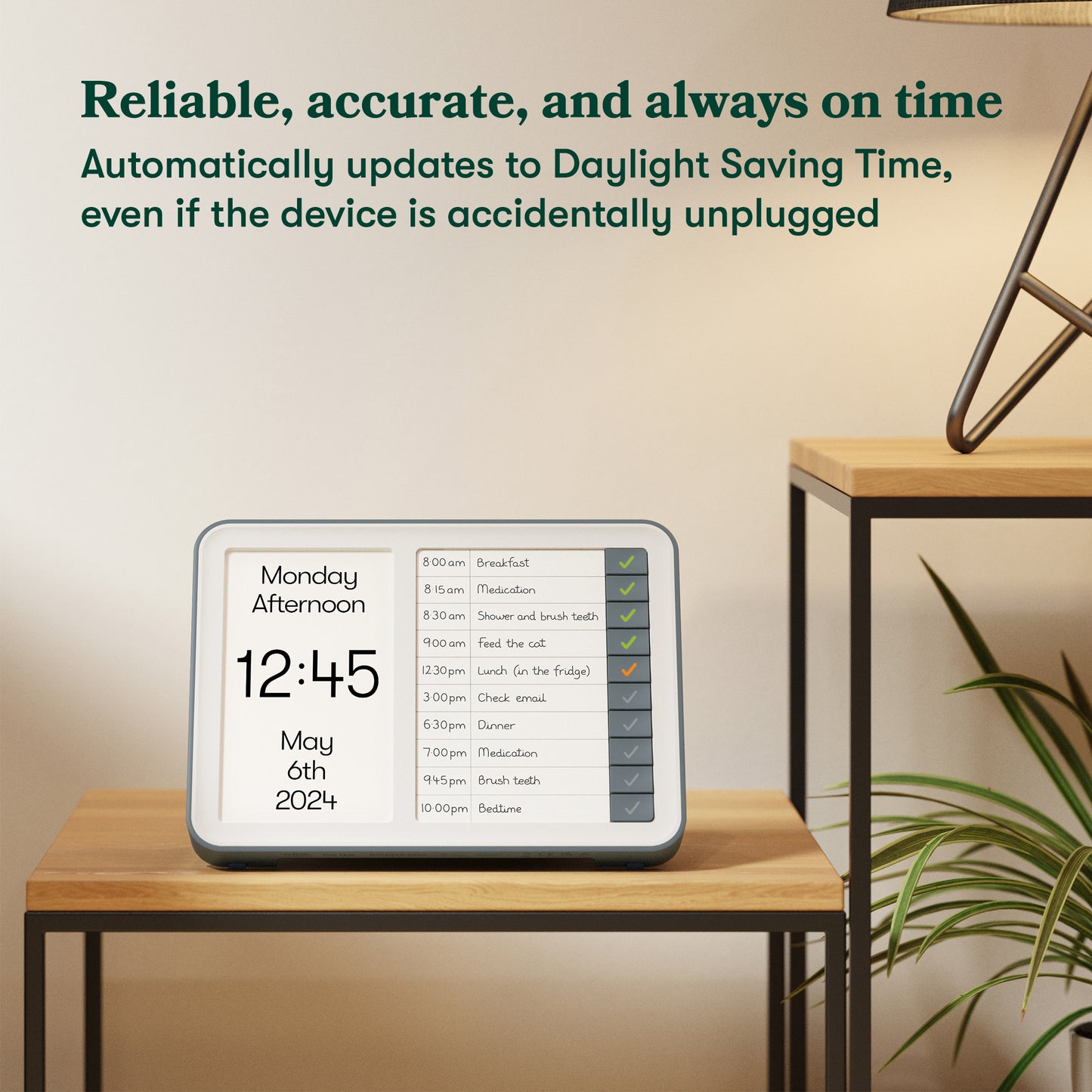
Garantizamos la hora exacta, incluso si el dispositivo se desconecta accidentalmente. Se actualiza automáticamente al horario de verano.

Atenuación automática y pantalla HD
La pantalla del reloj se atenúa automáticamente según los niveles de luz ambiental, perfecto para la noche.
Nuestra pantalla de reloj es HD con un contraste y una claridad inigualables, lo que es perfecto para personas con discapacidad visual.

Red doméstica
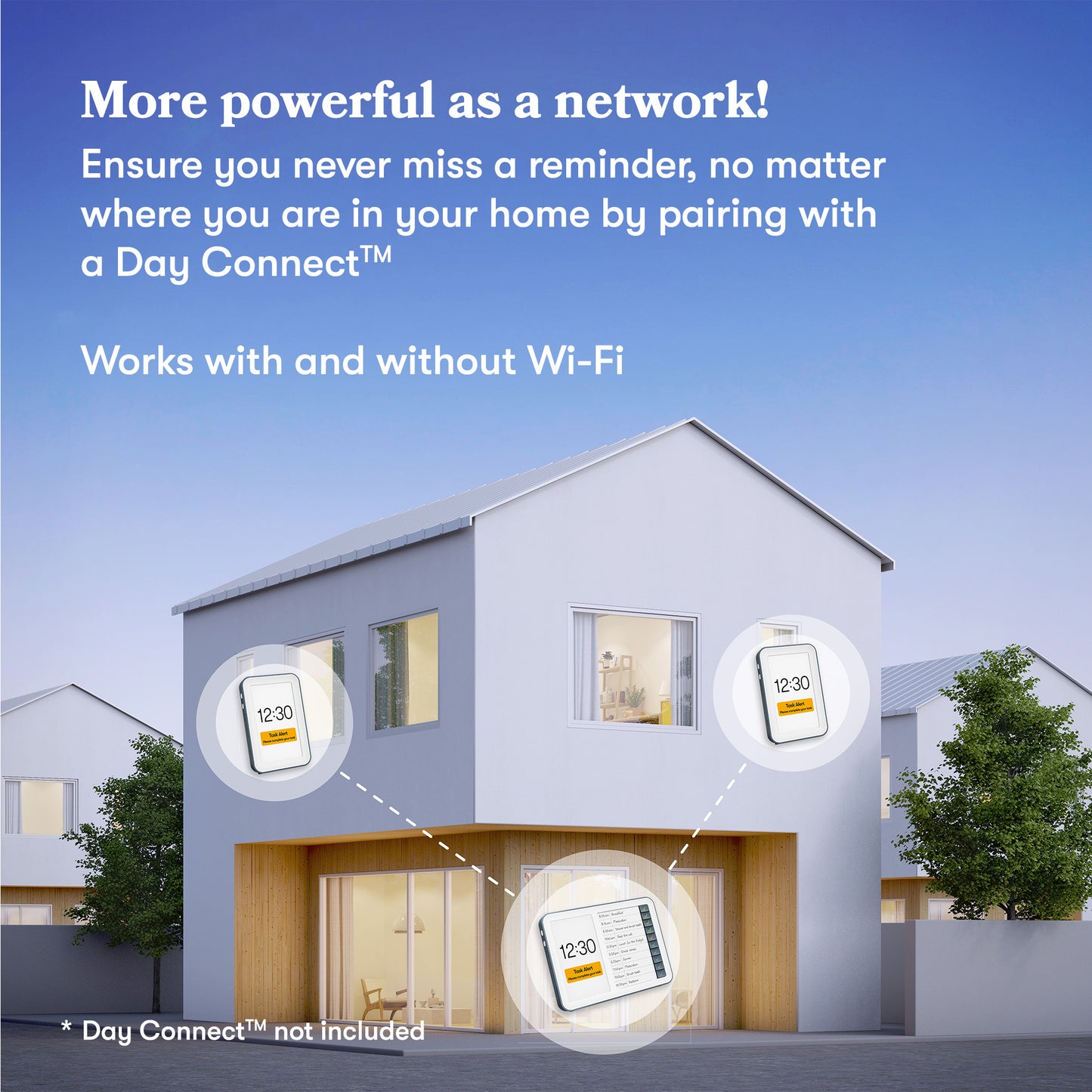
Combínalo con un Relish Day Connect™ y recibe alertas de tareas en varias habitaciones de tu casa. Se puede conectar con o sin wifi.
4 razones...
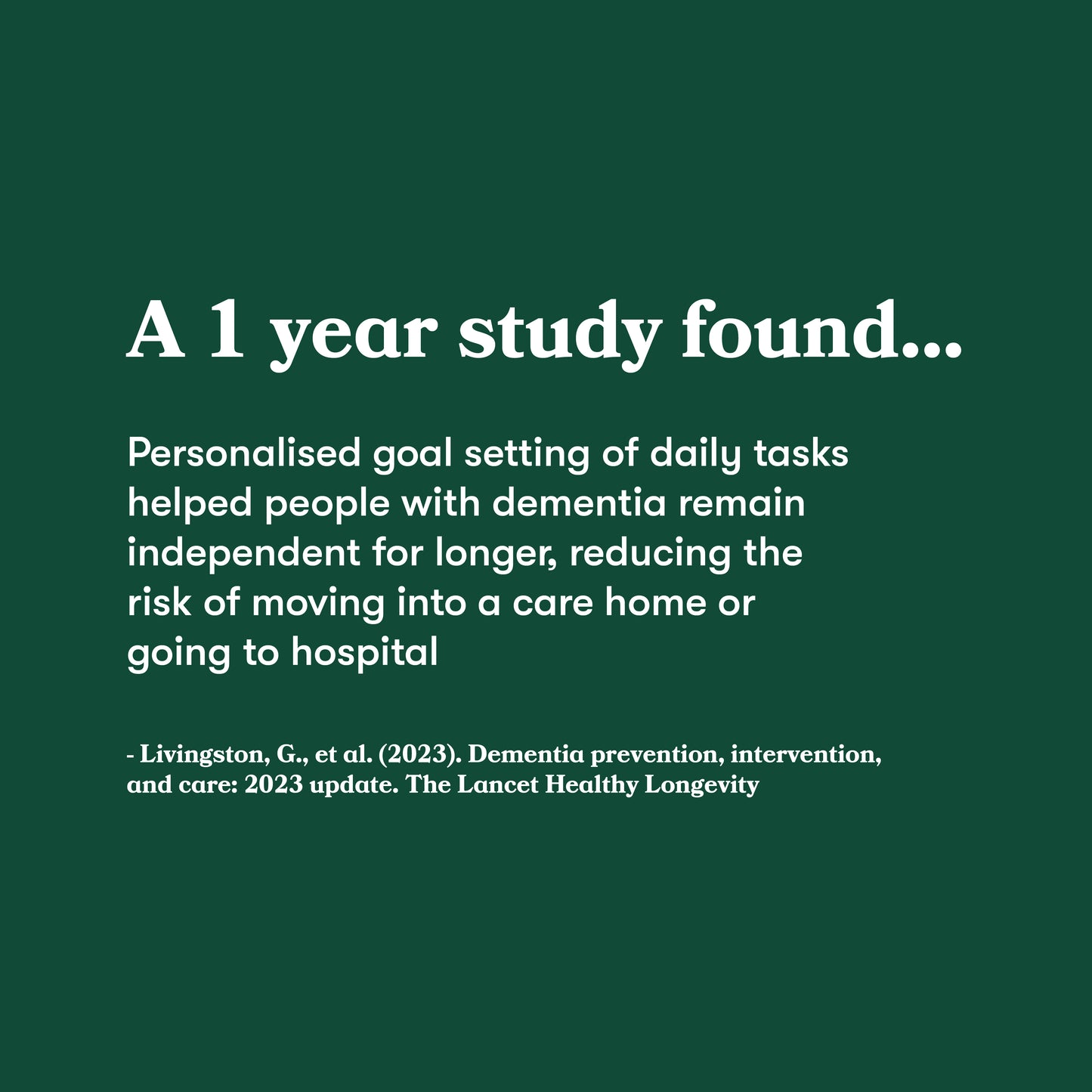
Por qué el Day Hub ayuda a las personas con demencia
1. Orientación y estructura: Los relojes diurnos proporcionan indicaciones visuales claras sobre la hora, el día y la fecha. Facilitan la orientación y estructuran el día.
2. Rutina e independencia: Tener una rutina a seguir puede permitir a las personas completar las tareas diarias de forma independiente, lo que aumenta su autoestima y reduce la dependencia de sus seres queridos.
3. Aliviar el estrés y la ansiedad: al proporcionar una idea clara del tiempo y la estructura, los relojes diarios y los sistemas de tareas pueden ayudar a reducir el estrés y la agitación.
4. Tranquilidad de espíritu: Tener un sistema confiable en casa puede aliviar parte del estrés de otras personas en el proceso de padecer demencia.
El regalo perfecto
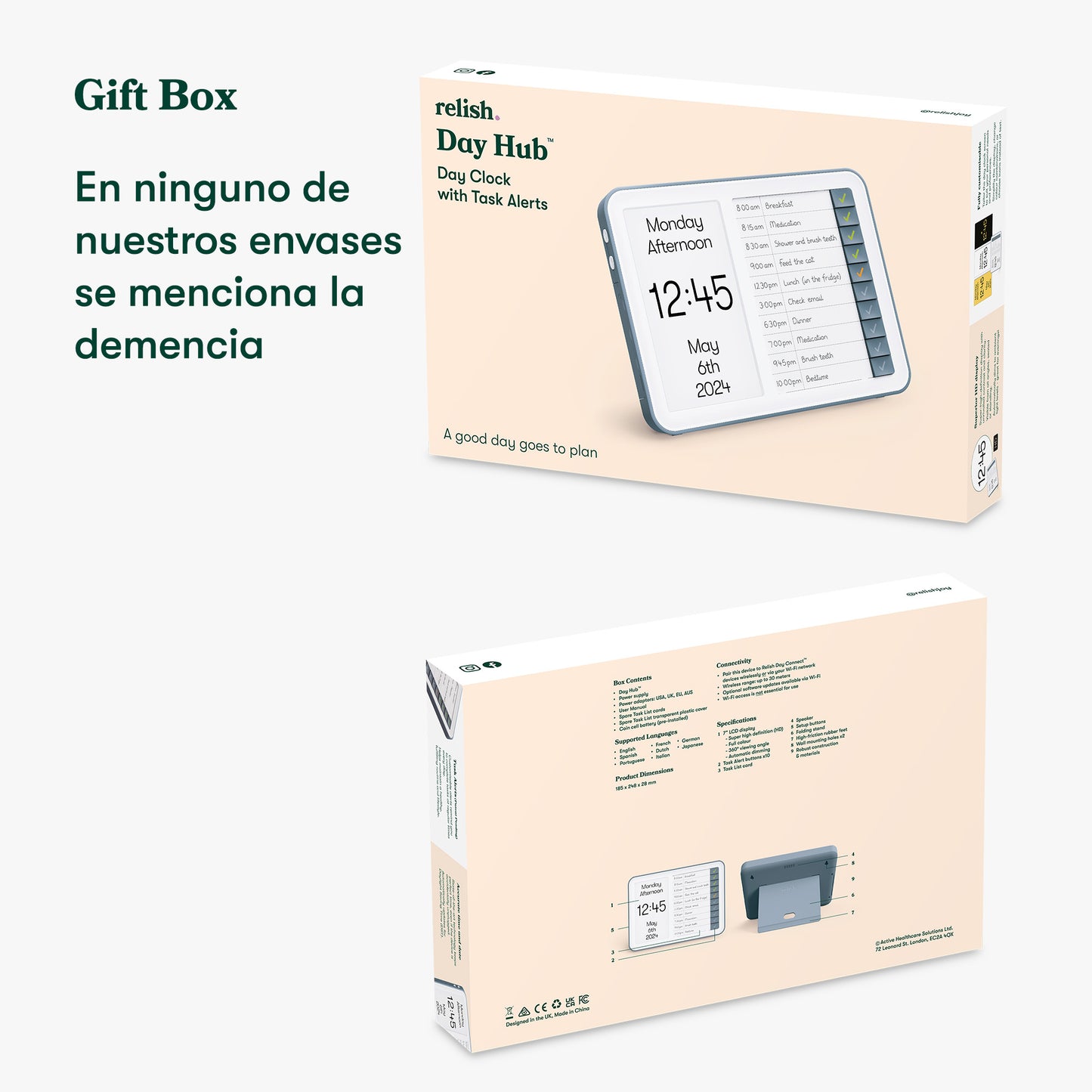
Regale el regalo perfecto y tenga la seguridad de que la radio es adecuada para todas las etapas de la demencia y no se preocupe: en el paquete no se menciona la pérdida de memoria, el envejecimiento ni la demencia.
Day Hub™ - Reloj recordatorio para la demencia
Day Hub™ - Reloj recordatorio para la demencia
Te ayudamos a mantener tu independencia y a llevar un registro de tu día.


+
-
4
3
2
1
Temprano
Escenario
Recomendamos este producto a quienes se encuentran en las primeras etapas de su proceso. Si no está seguro de si es el producto adecuado para usted, complete nuestro breve cuestionario para determinar su etapa.
+
-
Tamaño y detalles
Tamaño y detalles
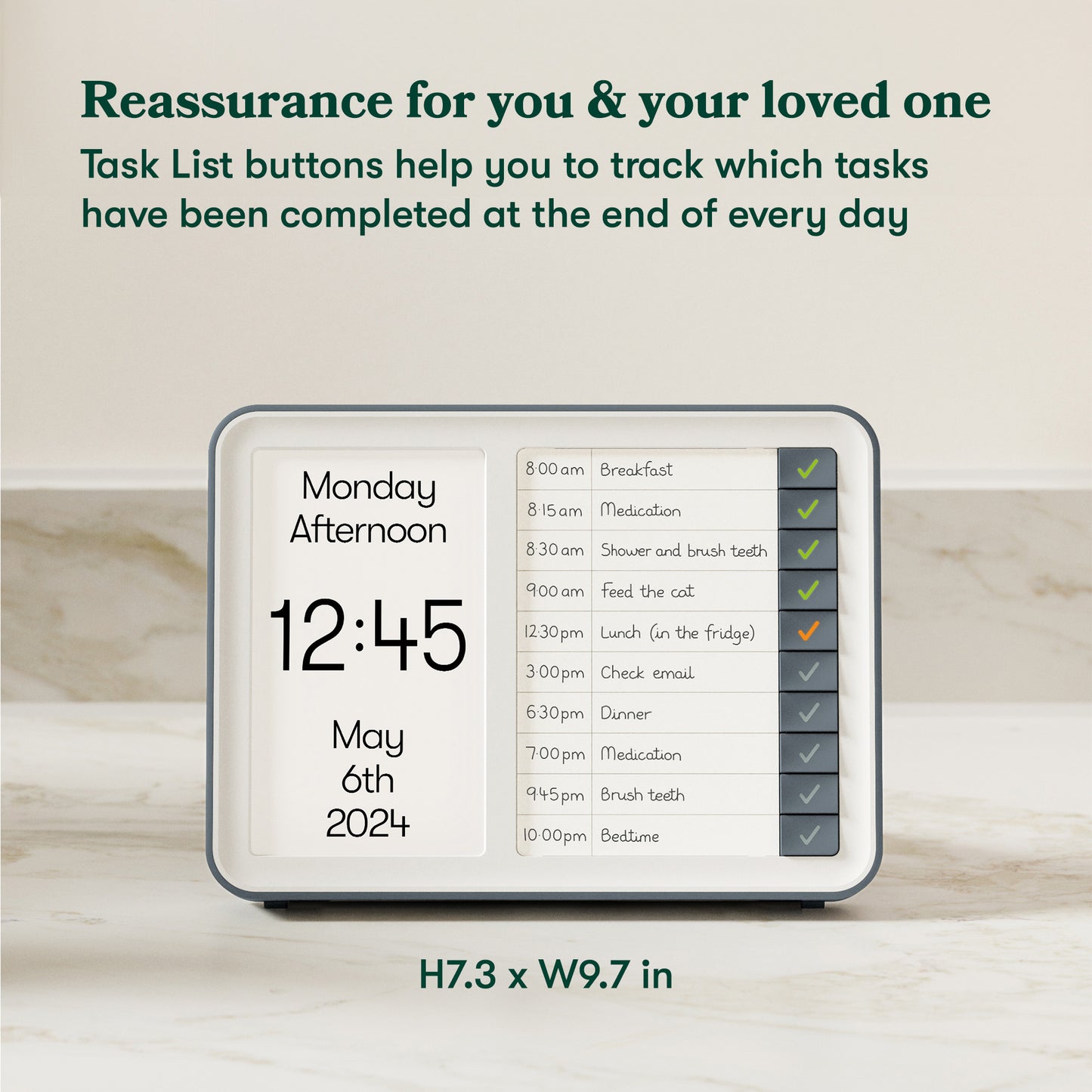
Dimensiones del producto: Alto 18,2 cm x Ancho 24,5 cm x Profundidad 10,8 cm
Dimensiones del embalaje: Alto 22,2 cm x Ancho 33,2 cm x Profundidad 16,5 cm
Material: plástico
FM, DAB y DAB+
Puerto USB (USB no incluido)
Compatibilidad con MP3
Toma de auriculares
Toma de corriente CC
Cable de alimentación de 1,4 m
Puerto de batería para 4 baterías D (baterías no incluidas)
Dos altavoces de 3 vatios
Etiquetas de tarjeta x5
Construcción y materiales robustos
Proceso de configuración sencillo
Instrucciones: inglés, alemán, francés y español.
+
-
Entrega
Entrega
+
-
Política de garantía y devolución
Política de garantía y devolución
Envío gratuito

Entrega rápida




Day Hub™ - Reloj recordatorio para la demencia

Preguntas frecuentes
Do you have a digital copy of the product manuals?
+
-
Do you have a digital copy of the product manuals?
Is it possible to remotely access the Day Hub™ for task input and modifications?
+
-
Is it possible to remotely access the Day Hub™ for task input and modifications?
Can I also input weekly appointments?
+
-
Can I also input weekly appointments?
When does the display transition from night to morning?
+
-
When does the display transition from night to morning?
Do the clocks require WiFi to work?
+
-
Do the clocks require WiFi to work?
What happens if WiFi is disconnected?
+
-
What happens if WiFi is disconnected?
What size is the text on the display and can this be made larger/smaller?
+
-
What size is the text on the display and can this be made larger/smaller?
How are Task Alerts inputted into the Day Hub™?
+
-
How are Task Alerts inputted into the Day Hub™?
What comes with the Day Hub™ as standard?
+
-
What comes with the Day Hub™ as standard?
What happens if I miss an alert? If I go out or go to bed early, for example.
+
-
What happens if I miss an alert? If I go out or go to bed early, for example.
What happens in the event of loss of power?
+
-
What happens in the event of loss of power?
What do I do if I want to complete a task before the alarm sounds?
+
-
What do I do if I want to complete a task before the alarm sounds?
What happens if all the buttons are pressed before the Task Alerts have sounded?
+
-
What happens if all the buttons are pressed before the Task Alerts have sounded?
Can I have the Day Hub on its own?
+
-
Can I have the Day Hub on its own?
Do the Day Range devices run on batteries?
+
-
Do the Day Range devices run on batteries?
What languages are supported?
+
-
What languages are supported?
How long is the power cord?
+
-
How long is the power cord?
Will the devices keep accurate time?
+
-
Will the devices keep accurate time?
How do the Day Hub™ and Day Connect™ Pair together?
+
-
How do the Day Hub™ and Day Connect™ Pair together?
Can you tell me more about the Task Alerts and how these work?
+
-
Can you tell me more about the Task Alerts and how these work?
Can caregivers input tasks remotely?
+
-
Can caregivers input tasks remotely?
Is the device portable or does it require a fixed location?
+
-
Is the device portable or does it require a fixed location?